


Since returning to Substack, I have noticed that they have introduced a recipe card template to set up, similar to how you see recipes on WordPress websites.
Who Uses Them and How?
I’ve started to include them at the bottom of my recipe posts. Although they are not quite as efficient as some of the recipe card plugins you can use on a WordPress website, I do find them useful, but a bit time consuming to complete when publishing my posts.
You will find all my recipes in the RECIPES tab on the navigation bar. Each post will have step by step instructions and a completed recipe card at the bottom.
Print and Save
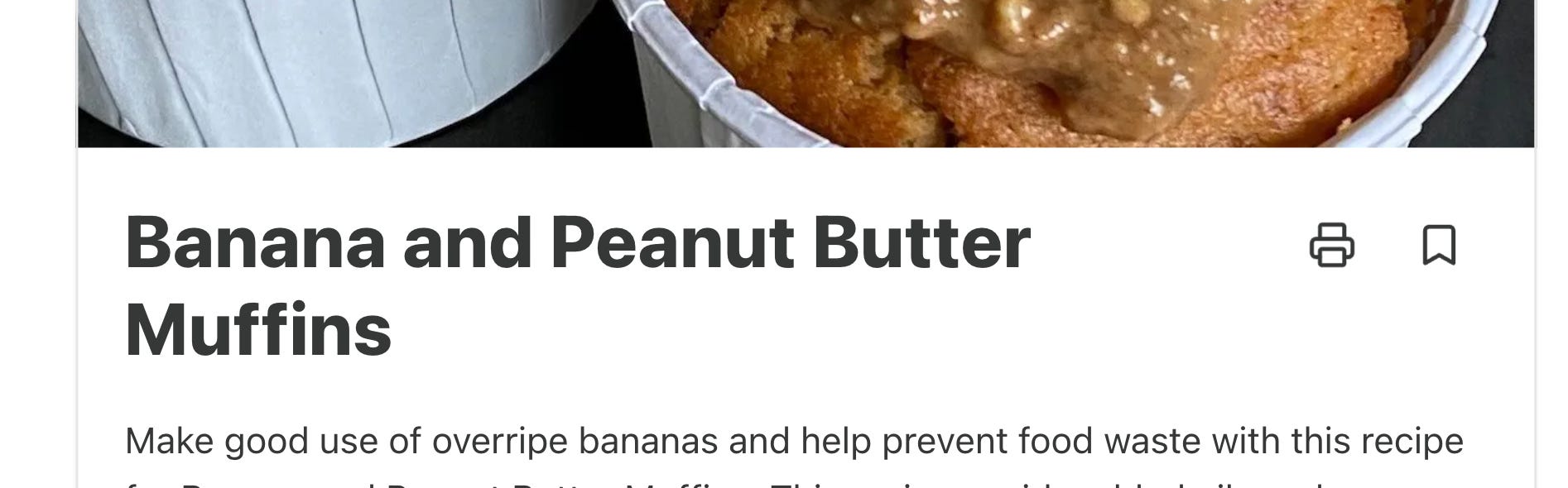
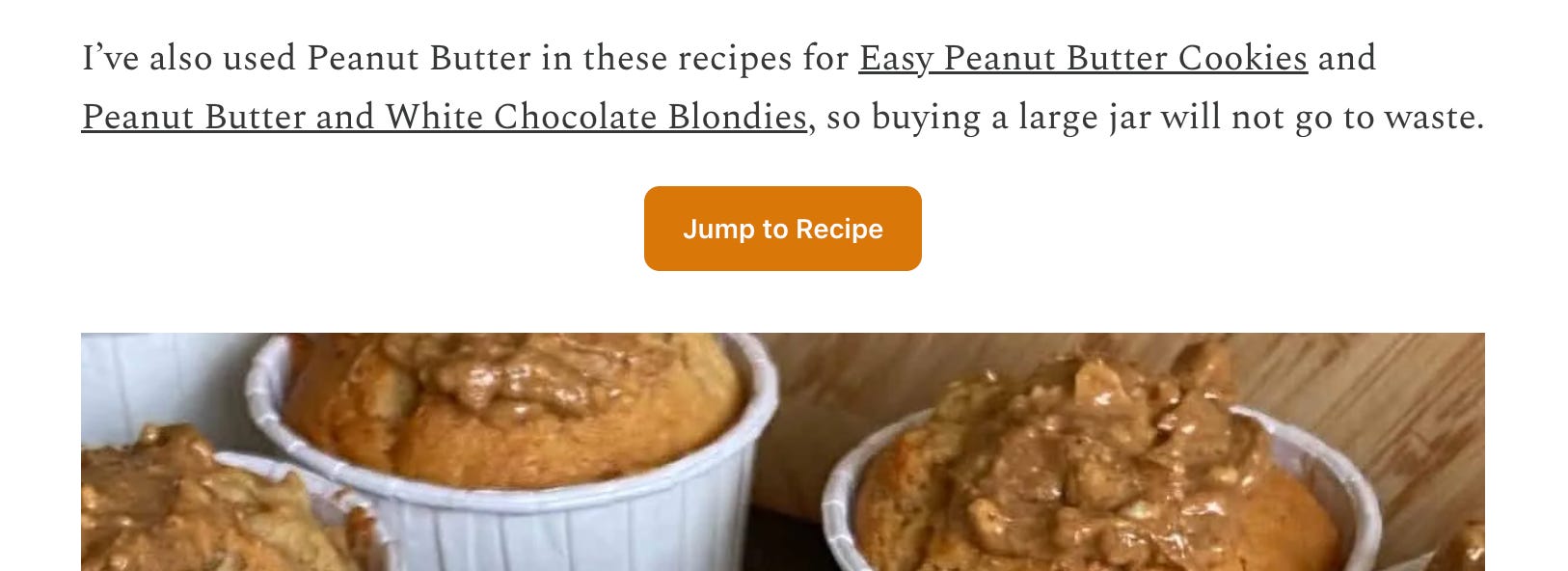
Some posts will have a ‘Jump to Recipe’ button at the top if you want to skip the method, and each recipe card has the option to print and save using the little icons.
If you are a food writer and are a member of the Food Writers’ Forum, I have written a post showing you how to add a 'Jump to Recipe' button at the top of your post.
Do You Use Them?
How do you store the recipe that you find on the internet?
I had thought about doing this as a survey, but it’s always interesting to see other people’s views on things.
Please leave a comment below with your thoughts on any of the following points. It will really help me and other food writers make our posts and recipes as efficient as possible for you to use.
Do you Jump Straight to the recipe card, especially if there is a ‘Jump To Recipe’ button?
Do you print the recipe to keep in a folder?
Do you copy and paste the recipe into your own digital folder?
Do you cook/bake simply by viewing the recipe from your phone/laptop/tablet?
Do you pull the recipe into a recipe app and view it that way?
Do you not find them useful at all?
Other (please specify)
Happy Baking. Have a great weekend ahead.
Lynn
I am still hoping for improved functionality on this plug in. Copying and pasting line by line is a pain.
Thank you for following this up Lynn. It really annoys me when an author takes great pains to talk about a subject/ingredient, building up to the recipe. And then...on Substack there is no way to cut & paste it. I try, I really do.
Sometimes I'm allowed to cut & paste the whole recipe but in many cases, once I've managed to shade out the recipe I find that the whole article has been shaded out. After 2 or 3 times I give up. I am not going to cut & paste sep lines & paras, that is such a pain. It's far easier to do in email version.
I keep recipes on my phone in the notes field wallet. I don't want to print out hard copies..